Get KukaPay Instantly
Visit app.kukapay.com.ng on your phone. Add to home screen and you're ready to go.
Coming Soon
App Store
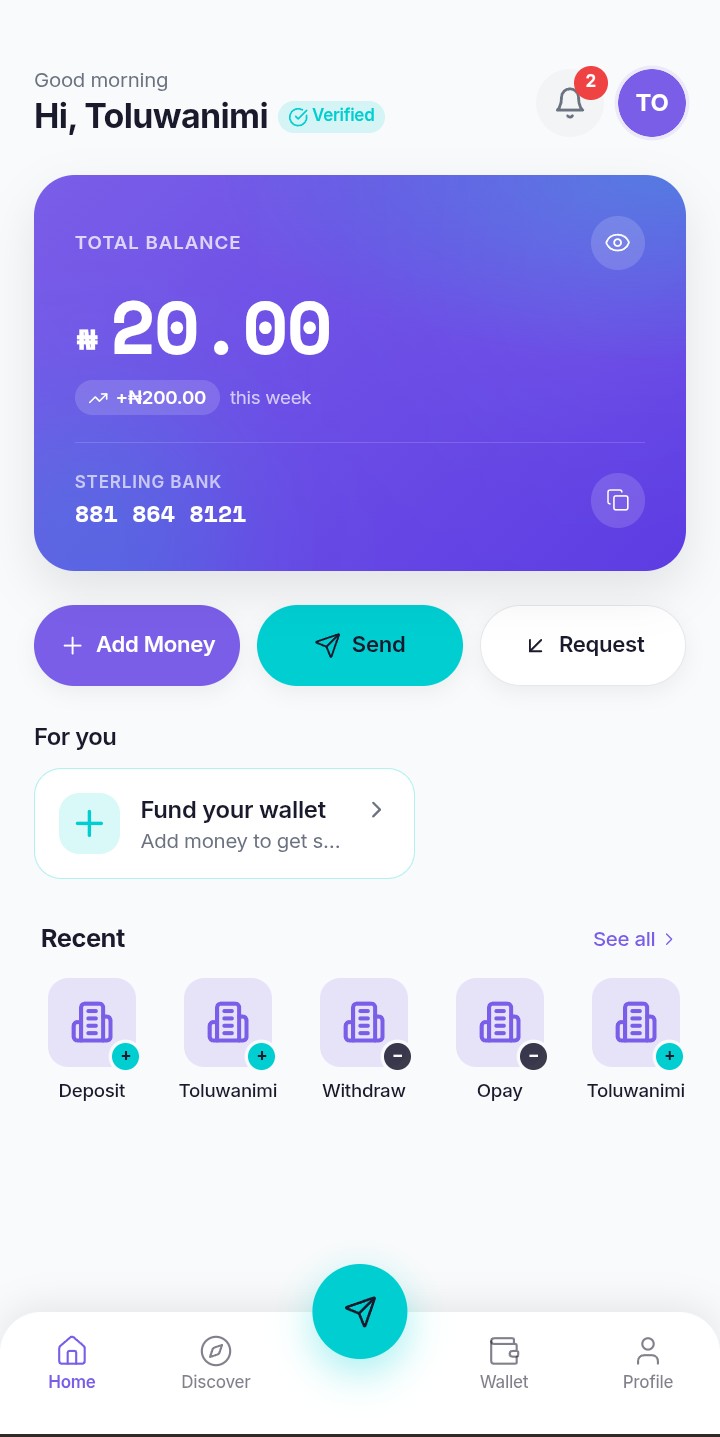
Works on Every Device
KukaPay adapts perfectly to any screen size - phone, tablet, or desktop
Desktop
Phone (Primary)
Tablet
Install in 30 Seconds
No app store downloads, no waiting, no storage space needed
Visit app.kukapay.com.ng
Open your phone browser (Chrome, Safari, or any modern browser) and go to our app URL.
Tap 'Add to Home Screen'
Look for the share icon or menu button. Select 'Add to Home Screen' or 'Install App'.
Launch KukaPay
Find the KukaPay icon on your home screen. Tap to open and enjoy the full app experience!
The Best of Both Worlds
All the power of a native app, with the convenience of a website
No Downloads
Access KukaPay instantly through your browser without downloading anything
Zero Storage
KukaPay doesn't take up precious space on your phone - works right from the browser
Auto Updates
Always use the latest version automatically - no manual updates needed
Offline Ready
Check balances and view history even without internet connection
app.kukapay.com.ng